
How to Implement Fingerprint Time Clocks in Your Business
Running a business takes time and planning. One important job is tracking when workers arrive and leave. Many businesses still use paper sheets, cards, or passwords. These methods can lead to mistakes and lost time.
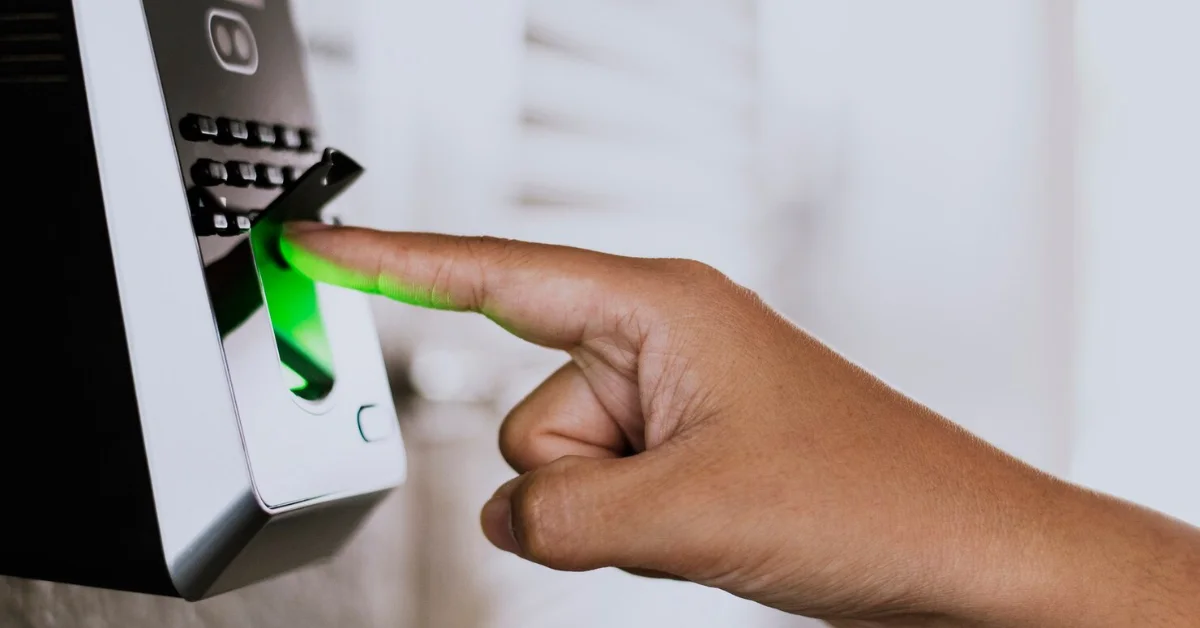
Fingerprint time clocks give businesses an easier way to track attendance. Workers place a finger on the scanner to clock in or out. Since every fingerprint is different, the system can quickly tell who the worker is.
If you want a faster and safer way to manage attendance, read more to learn how fingerprint time clocks can help your business.
Why Businesses Use Fingerprint Time Clocks
Fingerprint systems help stop time theft. Some workers may clock in for a friend who is late. This is called buddy punching. A fingerprint scanner helps stop this because each worker must use their own finger.
These systems also help keep attendance records correct. Managers can quickly check work hours without sorting through paper files.
Many business owners also like that the system improves security. Only approved workers can use the clock.
Choosing the Right System
Before buying a system, think about your business needs. A small office may only need one device. A larger company may need several scanners.
Some systems can connect to payroll software. Others store records online so managers can check them from anywhere.
A Fingerprint Clock for small business can be a good choice for companies that want a simple and low-cost system. Easy systems often work best for smaller teams.
It is also smart to choose a system with good customer support and simple setup instructions.
Helping Workers Learn the System
New technology can feel confusing at first. Employees may need time to learn how the scanner works. Simple training can make the process easier.
Managers should explain why the business is using the system. Workers should also know how their fingerprint data is kept safe.
Most systems are easy to use after a few tries. Once workers get used to it, clocking in only takes a few seconds.
Keeping the System Working Well
Fingerprint scanners should stay clean so they can read fingerprints correctly. Dust and dirt may cause problems over time.
Managers should also check attendance reports often. This helps catch mistakes early and keeps payroll records correct.
Software updates may also help improve the system and keep it secure.
Saving Time and Reducing Paperwork
Fingerprint time clocks can also help businesses spend less time on paperwork. Managers no longer need to check handwritten logs or fix missing time entries.
The system records attendance automatically, which makes daily tasks easier. This can help businesses stay more organized and give managers more time to focus on other important work.
A Better Way to Manage Attendance
Fingerprint time clocks can help businesses save time and reduce mistakes. They make attendance tracking faster, safer, and easier for both workers and managers.
With the right system and simple training, businesses can improve daily operations and create a more organized workplace.